

At its most basic, motion design is the art of breathing life into static graphic elements. It's the magic trick that takes a flat logo or a still illustration and makes it move, turning it into something dynamic and engaging. You can think of it as the perfect middle ground between graphic design and filmmaking.
The Art of Visual Storytelling in Motion
So, what's motion design really all about, besides just making things move? It's a discipline that pulls from several creative fields to tell a story or explain an idea over a period of time. Instead of relying on a single, static image to do the talking, a motion designer creates a whole sequence of visuals—often paired with sound—to walk a viewer through a narrative. It’s like being a digital magician; the graphic design is your object, and the animation is the spell that makes it captivating.
To get an even clearer picture, it helps to look at its close cousin, motion graphics. While people often use the terms interchangeably, it's worth checking out this breakdown of What Is Motion Graphics Design and How Does It Work? to see the finer details. Generally, motion graphics lean more towards animating abstract shapes, text, and other non-narrative elements.
The Key Ingredients of Motion Design
Great motion design isn't just one skill; it's a careful blend of several artistic and technical elements. A truly impactful piece comes from orchestrating these components in a way that feels cohesive and powerful.
- Graphic Design: This is the visual foundation. Everything from typography and color theory to composition starts here.
- Animation: This is what creates the illusion of movement. It's governed by core principles like timing, easing, and squash and stretch.
- Sound Design: Audio is huge. The right music or sound effects can add a massive layer of emotional depth and help cue the viewer.
- Storytelling: Even a 10-second animation needs a narrative arc. A clear story, no matter how short, is what grabs and holds an audience's attention.
The infographic below does a great job of showing how these core concepts all link up to create the world of motion design.
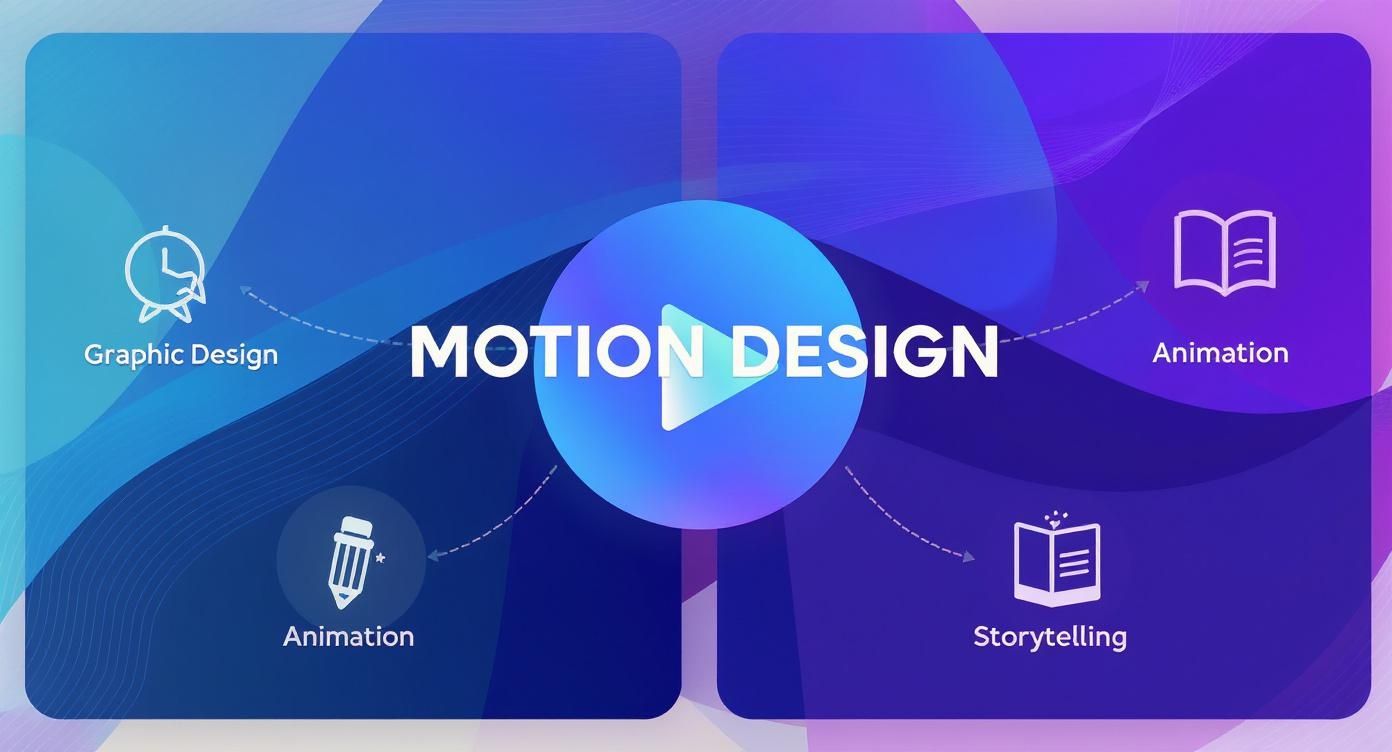
As you can see, motion design isn't some isolated skill. It’s the intersection where graphic design, animation, and storytelling all meet.
Motion design essentially gives a voice and a personality to visual elements that would otherwise be silent. It transforms a brand's message from a statement into a conversation, making it a powerful tool in modern communication.
This unique combination of skills is exactly what makes motion design such a vital part of any modern creative strategy. It fits perfectly into a bigger picture, which you can see when you explore our guide on what is visual communication design and its principles.
Graphic Design vs Motion Design Key Differences
To really nail down the distinction, let's put traditional graphic design and motion design side-by-side. While they share a common ancestry in visual principles, their execution and purpose diverge pretty significantly.
| Aspect | Graphic Design (Static) | Motion Design (Dynamic) |
|---|---|---|
| Core Element | Still images, text, and layout | Sequences of visuals, animation |
| Time | A single moment in time | Unfolds over a duration |
| Sound | Silent (or implied) | Integrated audio, music, SFX |
| Narrative | Implied through a single composition | Explicitly told through a timeline |
| Primary Goal | Communicate a message instantly | Guide the viewer through a story |
This table makes it clear: graphic design captures a moment, while motion design creates a journey. Both are essential, but they serve very different roles in telling a brand's story.
The Core Principles of Compelling Animation
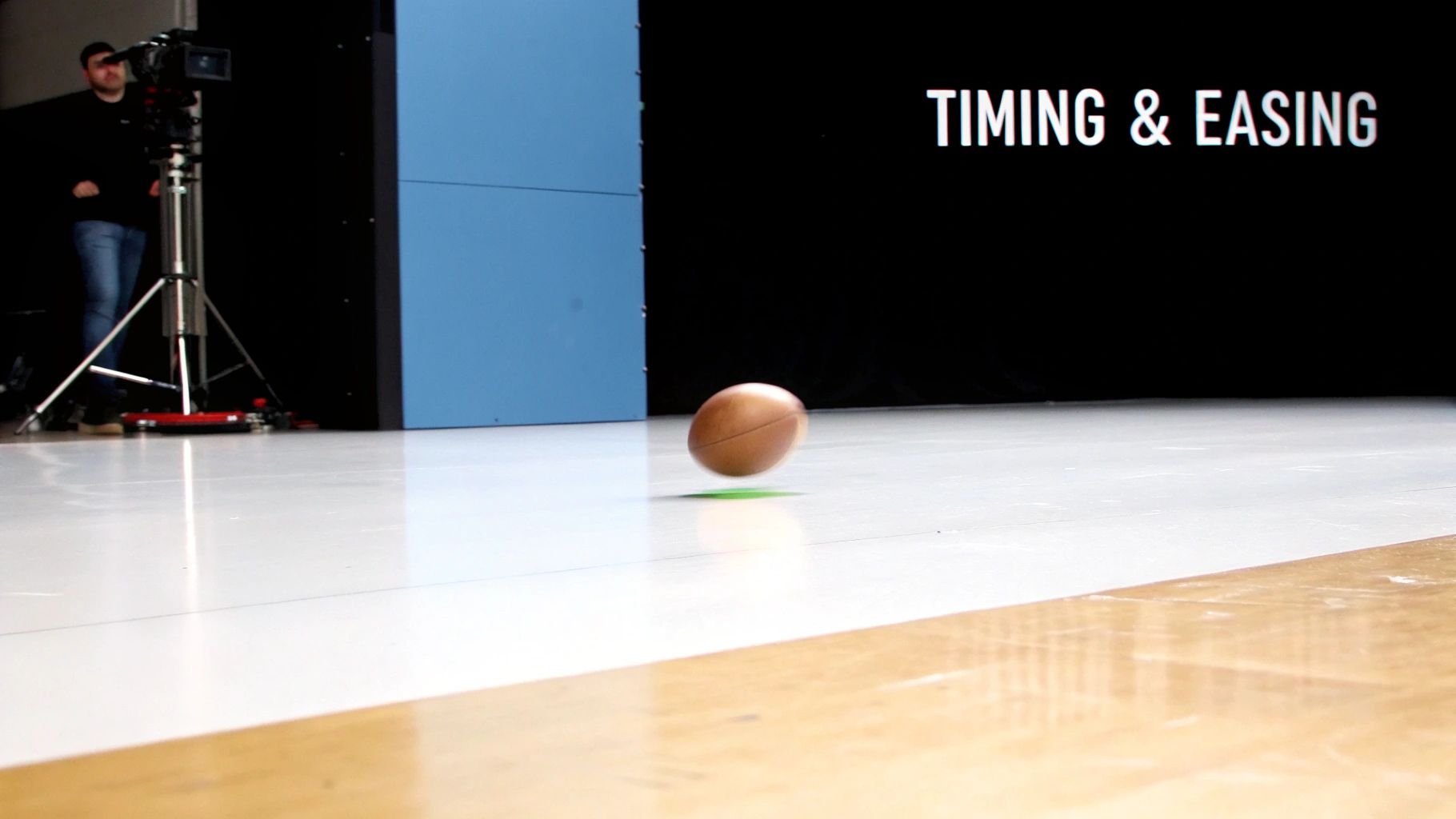
What separates a slick, professional animation from something that just feels… off? The secret is in a handful of core principles that make movement feel natural, intentional, and just plain believable. These aren't rigid rules you have to memorize. Think of them more like a guide for how things should behave on screen, turning clunky motion into a visual experience that flows.
Let's imagine you drop a bouncy ball. It doesn't just fall at one steady speed, right? It speeds up as it drops, squishes a little when it hits the ground to absorb the impact, and even hangs in the air for a split second at the top of its bounce. That one simple action is a masterclass in several key animation principles.
Motion design principles are the invisible physics of the digital world. They give on-screen elements a sense of weight, personality, and purpose, making the entire composition feel grounded and alive.
Getting a handle on these fundamentals is how you create animations that don't just look good, but feel right. They’re the secret sauce that lets designers guide a viewer's eye and tell a story without saying a single word.
Building Believable Movement
To nail that feeling of realism, motion designers obsess over three connected ideas: timing, spacing, and easing. Get these right, and you can control the entire mood and story of your animation.
- Timing: This is all about the speed of an action. Fast timing can inject a shot with urgency and high energy. Slow timing, on the other hand, can suggest weight, sadness, or a sense of calm. Timing really dictates the whole rhythm of the piece.
- Spacing: This one controls how an object’s position changes from one frame to the next. When elements are spaced closely together, you get slow, deliberate movement. Space them far apart, and the action feels quick and abrupt. It’s what gives our bouncy ball that feeling of acceleration as it falls.
- Easing (Ease-In and Ease-Out): Think about it—things in the real world rarely start or stop moving on a dime. Easing mimics this reality by adding gradual acceleration (ease-in) and deceleration (ease-out) to movements. This is what keeps your animations from looking stiff and robotic.
When you put these principles into play, you can give a simple square a personality. You can make it feel heavy, light, playful, or even aggressive. If you want to keep this feel consistent across all your projects, putting together an animation style guide is a fantastic way to document these creative choices.
Exploring the Modern Motion Designer's Toolkit
To bring their ideas to life, motion designers have a powerful suite of digital tools that are basically their creative playground. This software isn't just a technical thing you have to have; it's the canvas and brush for telling amazing visual stories. Getting to know this toolkit is the key to understanding how modern animation gets made, from the first sketch to the final cut.
The whole world of motion design software is booming. The global Motion Design Software Market was recently valued at a cool USD 737.53 million and is expected to more than double to USD 1.53 billion by 2032. That kind of growth just shows you how much everyone, across every industry, is hungry for high-quality animated content.
The Essential Software Trio
While there are tons of programs out there, a core trio really forms the foundation for most pro-level work. Each tool has a specific, super-important job in the production line, and they're all built to play nicely together.
-
Adobe Illustrator: This is often where it all begins. Designers jump into Illustrator to create those clean, scalable vector graphics—think logos, characters, and icons—that become the building blocks for the animation.
-
Adobe After Effects: This is the main stage where the magic really happens. Assets from Illustrator get pulled in here, and After Effects is used to animate their movement, layer on visual effects, and pull all the different pieces together into a final scene.
-
Cinema 4D: When a project needs that extra bit of depth and realism, designers fire up Cinema 4D. This software is the go-to for creating and animating 3D objects and environments, adding a layer of immersion that 2D just can't touch.
Here’s a peek at the Adobe After Effects interface, which is pretty much the central hub for a ton of motion design projects.
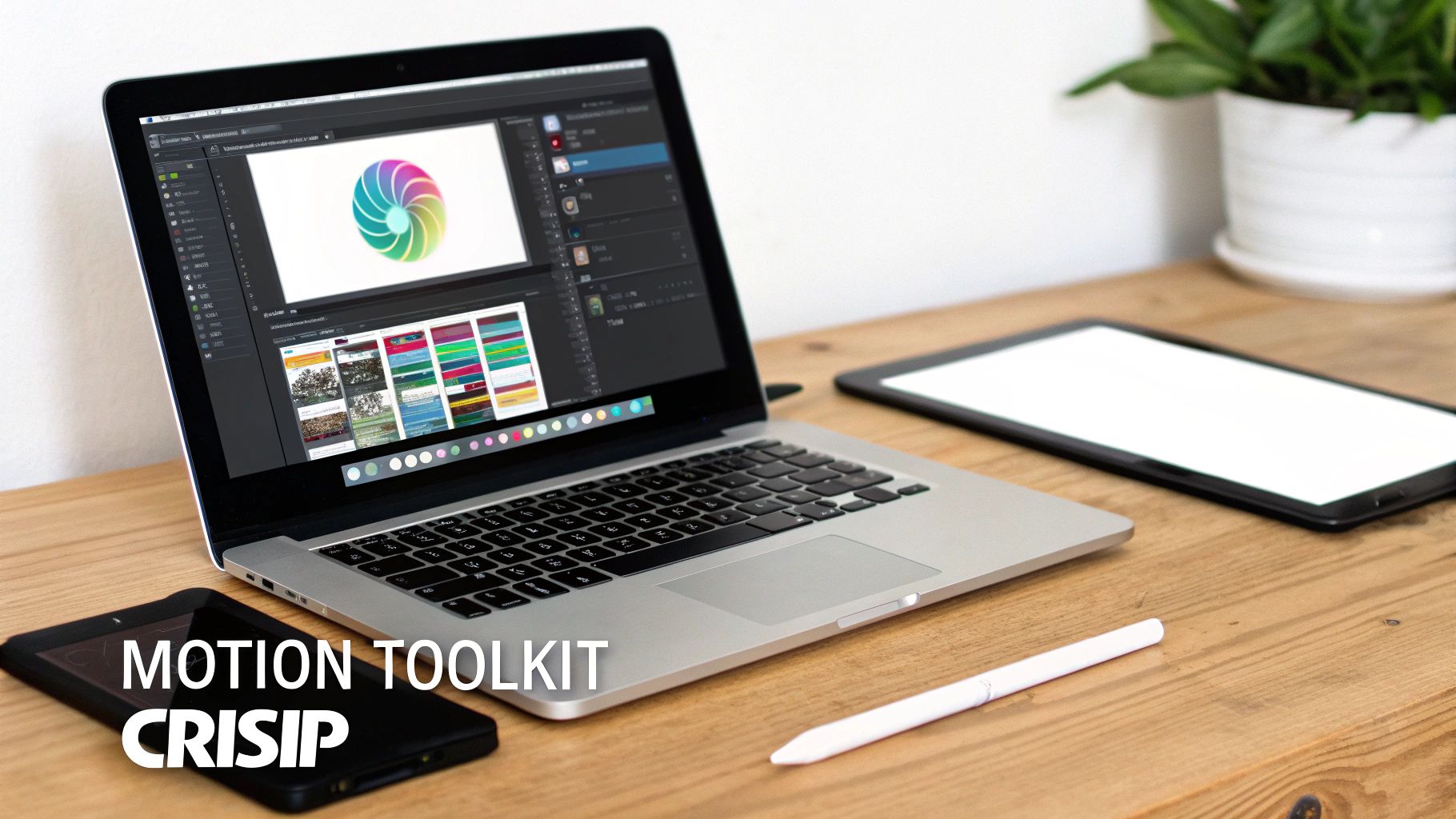
What you're seeing is a complex timeline with different layers and keyframes, which is how designers get super precise control over every little movement over time. This layered approach is fundamental to building really sophisticated animations.
If you're just starting out and that looks a little intimidating, no worries. Check out our guide on the best animation software for beginners for some more approachable options.
How Motion Design Shapes Our Digital World
Once you know what motion design is, you start seeing it absolutely everywhere. Seriously. From the subtle animation when you unlock your phone to the slick title sequences of the shows you stream at night, it’s the invisible hand making our digital world feel intuitive and, well, alive.
Think about the apps you use every single day. That little bounce a button gives when you tap it? That’s motion design giving you feedback. The smooth loading animation when you pull-to-refresh your feed? That’s motion design reassuring you that something is happening behind the scenes. These tiny movements are what make tech feel responsive instead of clunky.
From Explainer Videos to Brand Identities
Beyond just making apps feel good to use, motion design has become a storytelling powerhouse for businesses. It’s how brands are cutting through the noise to explain complex ideas and just be more memorable.
- Explainer Videos: Companies lean on animated videos to break down how a product or service actually works. They can pack a ton of information into a minute or two, holding your attention way better than a giant wall of text ever could.
- Dynamic Brand Logos: A static logo is fine, but one that subtly animates when a page loads? That little touch makes a brand feel modern and polished, leaving a much stronger first impression.
- Social Media Ads: Let's be real, you're scrolling fast. Motion is what stops the thumb. An eye-catching animated ad will always have a better shot at grabbing attention than a still image, which is why it's a non-negotiable for most digital campaigns.
The real magic of motion design is its versatility. It can be a simple loading icon that makes an app easier to use, or it can be a cinematic title sequence that sets the entire mood for a film. It's both a utility and an art form.
This wide-ranging impact is fueling some pretty massive industry growth. The global Motion Graphics Market is expected to jump from USD 98.3 billion to a staggering USD 280 billion by 2034. That boom shows just how vital these skills are becoming across entertainment, advertising, and tech. You can dig into the full market projections to see just how big this wave is getting.
At the end of the day, these examples just scratch the surface. When you pair smart animation with the right video marketing best practices, businesses can turn simple graphics into incredibly powerful tools for connection and communication.
Motion Design is More Than Just a Pretty Picture
Let's get one thing straight: for any business, motion design isn't just a creative flourish. It's a strategic tool that directly impacts the bottom line. Think about your own social media feed—what makes you stop scrolling? It’s almost always the content that moves. Animated posts consistently crush static images, grabbing attention and driving up engagement across the board. We're talking more shares, more comments, and way more clicks. All that extra visibility ladders up to one thing: stronger brand awareness.
But it doesn't stop at social media. Motion is a powerhouse for boosting conversions. A sharp, well-made explainer video on a landing page can break down a complex product or service in less than a minute. It transforms a confusing idea into something anyone can grasp and, more importantly, remember. That clarity is often the final push a curious visitor needs to become a paying customer.
Weaving a Memorable Brand Identity
Motion design is also how you build a consistent and dynamic visual language for your brand. When a logo animates on your website or at the end of a video, it’s no longer just a static symbol. It becomes an experience, a small moment that sticks in someone's mind.
Consistently using these animated elements helps your company stand out from the noise. It's no wonder that many of the top creative agencies have made motion design a core part of what they offer their clients. It builds powerful brand recall over time.
Motion design transforms a brand’s message from a static statement into an engaging conversation. It gives your brand a personality that connects with audiences on an emotional level, fostering loyalty and trust.
Justifying the Investment in Motion
Okay, so there's an upfront cost. But the value it delivers often makes the investment a no-brainer. The average cost to produce a 60-second motion graphics video hovers around $3,130, though that number can swing wildly depending on how complex you want to get.
When you break it down, the benefits are crystal clear:
- Improved Engagement: You’re not just showing people something; you’re holding their attention.
- Increased Conversions: You’re making it easier for people to understand why they should buy from you.
- Stronger Brand Recall: You’re making your brand instantly recognizable and hard to forget.
Investing in high-quality animated assets—from simple social media clips to detailed product showcases—is a forward-thinking move. For example, diving into something like 3-D product animation can give you a serious competitive edge, showing off your products in a way that feels immersive and compelling. This is how leading brands separate themselves from the pack.
Your Next Steps in Motion Design
Feeling that spark? Whether you’re ready to start animating yourself or you’re looking to bring a pro onto your team, the path forward is pretty clear. Let's break down what to do next.
If you're an aspiring designer, the first thing to do is build a solid foundation. It's tempting to jump straight into the cool software, but trust me, you need to nail the principles of graphic design first. Things like composition, color theory, and typography are the bedrock of all good motion work. Once you've got a good handle on those, Adobe After Effects is the industry-standard tool to tackle next.
For business owners and marketing managers, your job is a bit different: you need to find the right creative partner to bring your vision to life.
The most effective creative brief is a clear one. It should outline not just what you want, but why you want it—defining the project's goals, target audience, and key message from the outset.
When you're looking at potential designers, look past just the technical skills. A great portfolio shows more than just flashy effects; it demonstrates a real knack for storytelling and a style that feels right for your brand.
Finding the Right Motion Designer
Hiring the perfect person doesn’t have to be a shot in the dark. If you focus on a few key areas, you can set yourself up for a smooth collaboration and get a final product you’re truly excited about.
- Review Their Portfolio: Look for a range of work. Versatility is great, but what you really want to see is a solid grasp of core animation principles in every piece.
- Check for Storytelling Skills: Do their animations actually say something? You're looking for someone who can communicate a message or make you feel something, not just make things move.
- Write a Detailed Brief: Be crystal clear. Lay out your project goals, who you're trying to reach, and the tone you're going for. The more info you give, the better the result will be.
Alright, let's get into some of the questions that always pop up when people first dip their toes into the world of motion design. Think of this as the quick-and-dirty guide to clearing up any confusion.
So, is Motion Design Just Another Word for Animation?
Not quite, but they're definitely related. It helps to think of animation as the big, overarching category of making things move. That covers everything from classic Saturday morning cartoons to epic Pixar films.
Motion design is a specific slice of that pie. It’s all about bringing graphic design elements to life—things like logos, text, icons, and abstract shapes. So while a full-length Disney movie is animation, that slick, animated logo you see right before it starts? That’s pure motion design.
What Does a Motion Designer Actually Do All Day?
A motion designer is basically a visual problem-solver who uses movement to tell a story or explain an idea. Their day-to-day can look wildly different depending on where they work, but you'll often find them in a few key areas:
- Marketing & Advertising: They're the ones creating those slick social media ads that stop your scroll, snappy explainer videos, and animated logos that make a brand feel alive.
- UI/UX Design: Ever noticed those smooth, satisfying animations in an app when you tap a button or switch screens? A motion designer is behind that, making the digital experience feel more natural and intuitive.
- Film & TV: They create the killer title sequences that set the mood for a show, the lower-third graphics that introduce a speaker, and all the on-screen graphics that keep a broadcast looking sharp.
Motion designers are the architects of movement. They don't just make things move; they choreograph them to communicate an idea, spark an emotion, and guide your eye exactly where it needs to go.
I’m Sold. How Do I Get Started in Motion Design?
First things first: get a solid handle on the fundamentals of graphic design. Seriously. Before you can make elements dance across the screen, you need to understand composition, color theory, and typography. A good design that's static is the foundation for a great design that moves.
Once you’ve got the basics down, it’s time to jump into the software. The undisputed king of the industry is Adobe After Effects. It's the go-to tool for most motion designers, so that’s the best place to start your journey.
Ready to bring your own project to life with some killer motion? Creativize is the perfect place to connect with talented motion designers and other creatives near you. Find your perfect match today!